Once a Two-Factor Authentication service has been activated for clients, the following steps set up Two-Factor Authentication on a client account using Time Based Tokens:
1. From the Client Area, navigate to Hello, Name! > Security Settings.
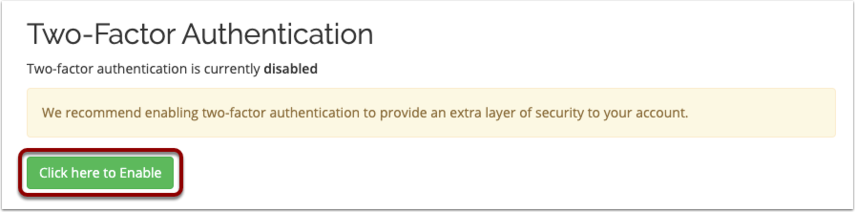
2. Click Click here to Enable.
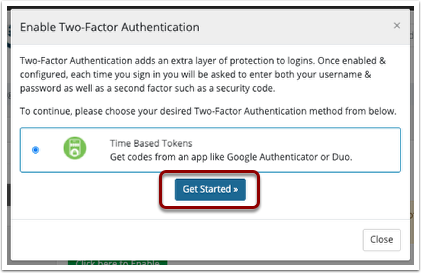
3. Select Time Based Tokens.
4. Click Get Started.
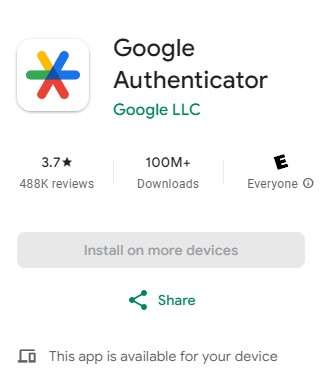
5. Download google Google Authenticator App
6. Scan the QR code with an authenticator app such as Google Authenticator.
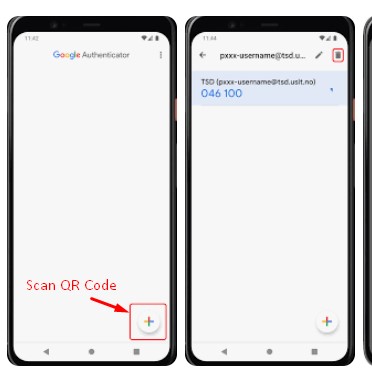
7. Enter in the 6-digit code that the authenticator app generates.
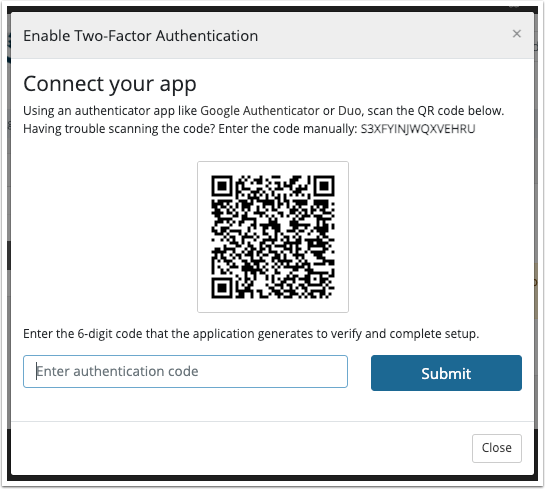
8. Click Submit.
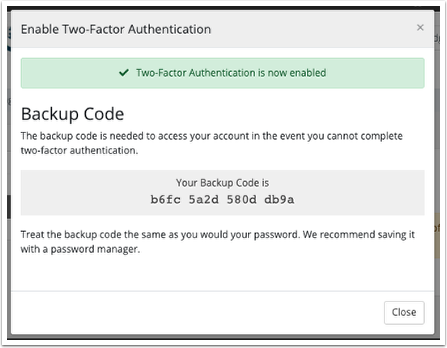
9. Record the Backup Code in a safe place, .
(Create backup codes for your Google Account to use as an alternative if you can't access your normal 2-Step Verification method, such as losing your phone or changing your number.)
10. Click Close.